BACK
I'm batman

Raft AI (Series B)
Redesigning Raft's Document Manager
Problem statement
Raft's system follows a three-step process - identify documents → classify document types → extract data. When Step 2 failed (classifying a packing list as an invoice, for example), everything downstream broke, creating confusing and incorrect outputs.
The complexity: Vendors send documents via email in unpredictable formats:
Multiple documents crammed into single PDFs
Single documents split across multiple PDFs
Mixed combinations of both scenarios
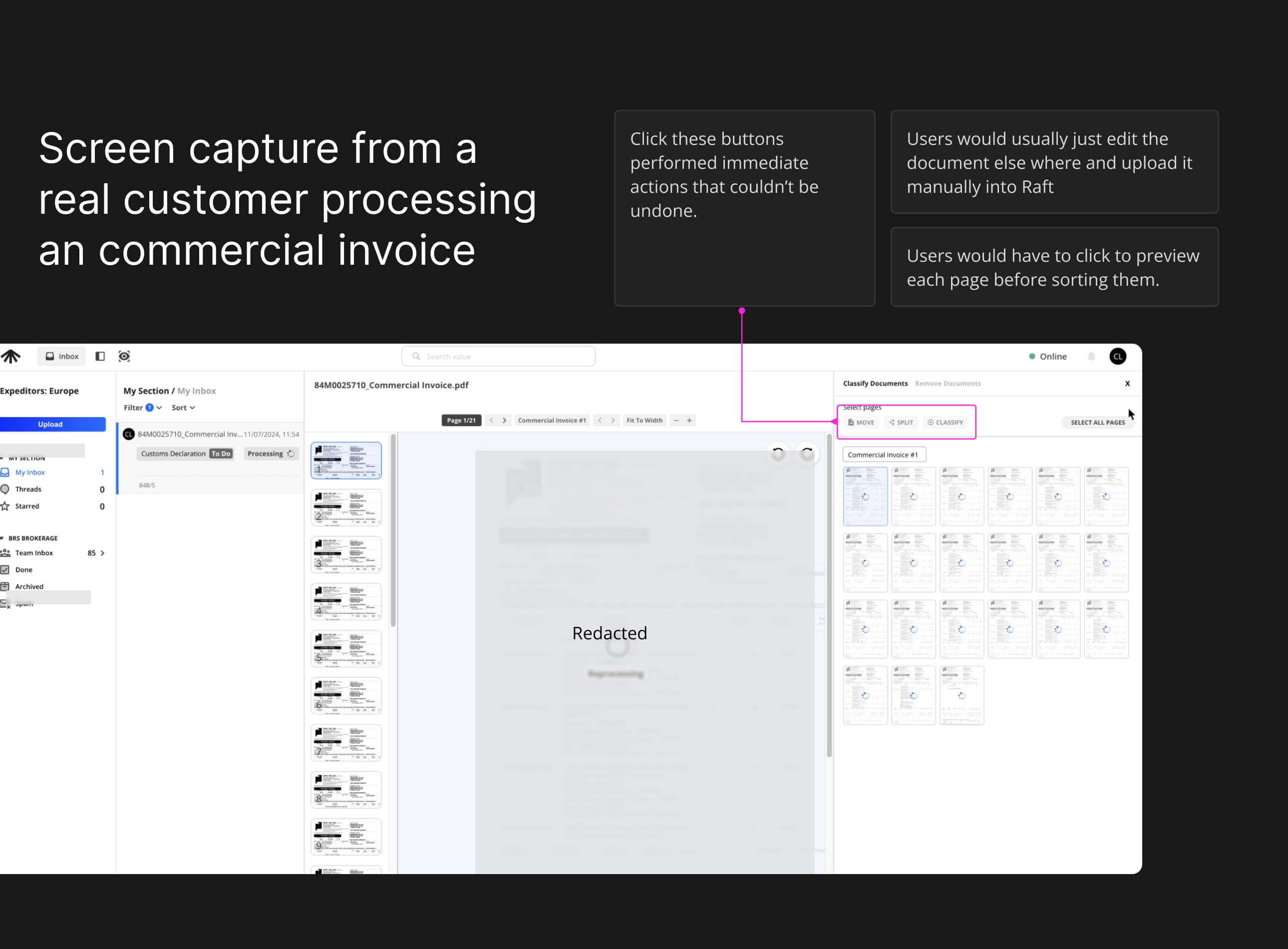
The user impact: Our interface made fixing these classification errors so cumbersome that users developed a workaround: they'd delete Raft's automated document imports entirely, download files from their email, and manually re-upload everything.
Constraints
Change Aversion - Many users were deeply familiar with existing workflows, making adoption of new patterns an uphill battle.
High Stakes for Errors - Mistakes weren’t just UX bugs; they meant drops in productivity, ML model regression, and direct financial loss for customers.
Screen Real Estate Assumptions - The product was built with large laptop screens in mind, limiting usability for smaller displays or on-the-go contexts.
Heavy Tech Debt - Even minor UI adjustments often required navigating legacy code and complex dependencies, slowing down iteration cycles.
My Role
As Lead Product Designer, I was tasked with redesigning the document manager while establishing scalable design patterns for all Raft products. This wasn't just fixing one screen - it was creating a design system that could handle complex document workflows across the platform.
My Approach
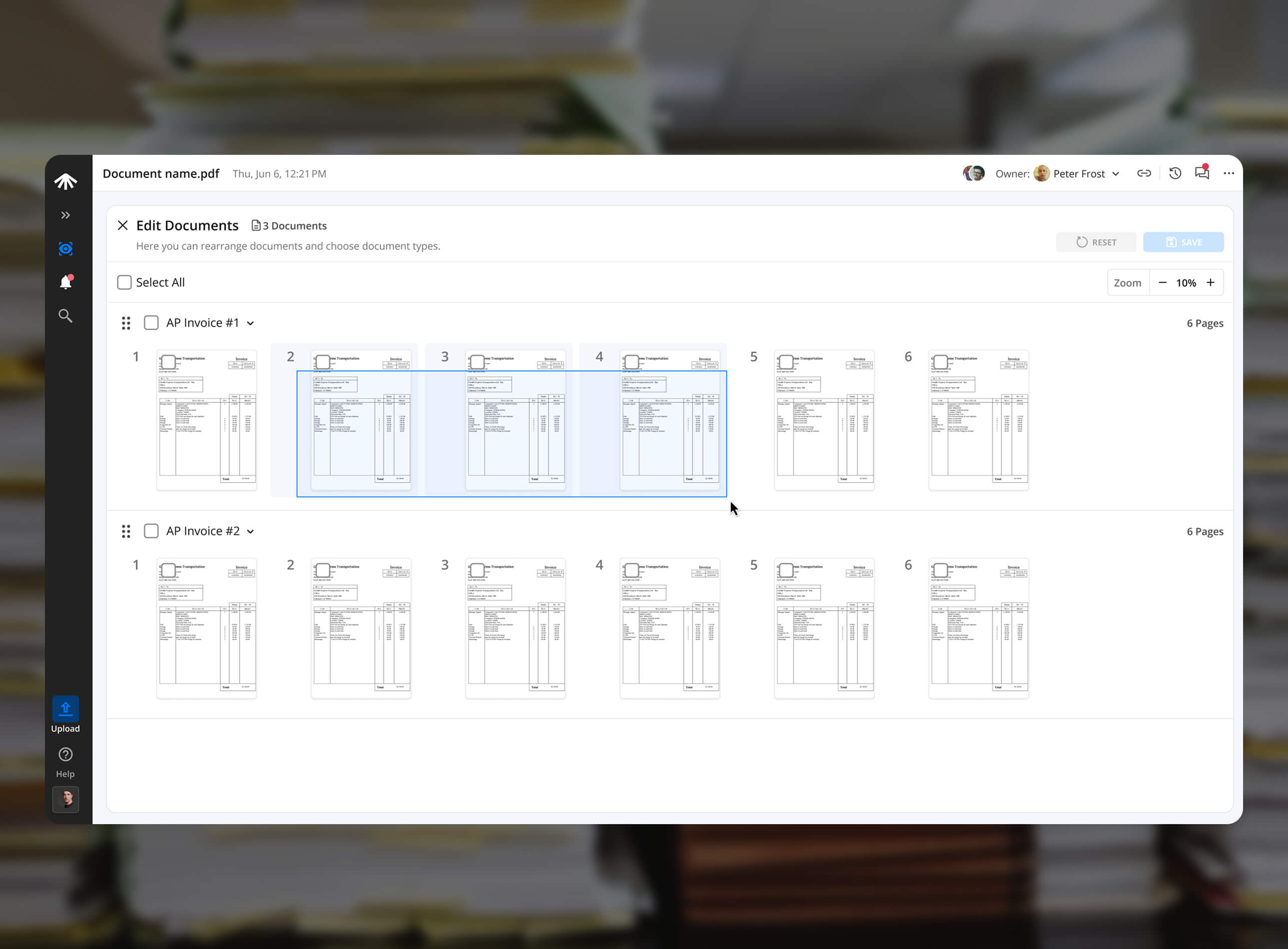
A Document Focused view
I realized that document sorting is fundamentally a spatial problem - users need to see, manipulate, and organize pages like physical documents into different stacks. The existing interface crammed this spatial task into a small corner of the screen.
1. Maximize Screen Real Estate
Since document classification was a prerequisite for every other task, I gave it full-screen treatment. Users couldn't proceed without fixing documents anyway, so why constrain them to a small sidebar?

2. Visual Document Preview
Users now see actual pages with their contents, making it instantly clear what they're manipulating. Users can also scale page thumbnails up for detailed review or down for quick scanning, adapting to different document types and tasks.

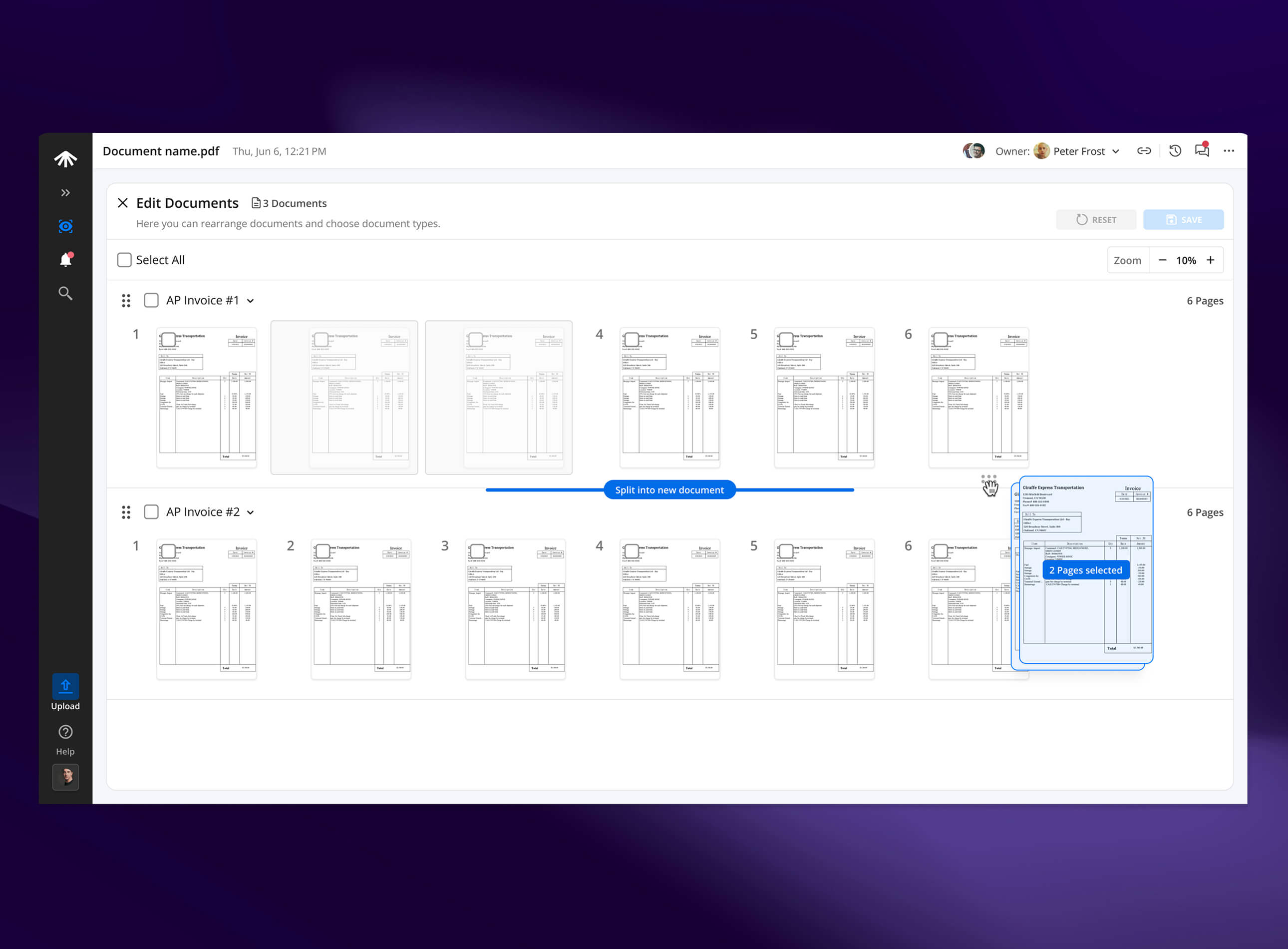
3. Drag-and-Drop Workflows
Pages can be dragged between documents or reordered within documents, matching users' mental model of sorting paper documents.
4. Contextual Actions
For users who’d click instead of drag and drop, clear actions were available to manipulate selected pages.

Impact
Made the invisible visible: Transformed a hidden, frustrating classification step into a full-screen, document-first workspace users could actually understand.
Spatial workflows unlocked: Drag-and-drop interactions matched how people already think about sorting paper stacks—making a messy digital task feel natural.
Clarity at a glance: Visual page previews with scalable thumbnails gave users confidence in what they were moving, merging, or splitting.
Inclusive interactions: Both drag-and-drop and explicit action buttons ensured every type of user could succeed, whether they preferred gestures or clicks.
Design system win: Established patterns for document manipulation that Raft could extend across multiple workflows—not just classification.
Internal validation: The engineering team fully built the experience, proving technical feasibility and creating a foundation for when leadership green-lights release.
Shifted perspective: Turned “classification errors” from a dreaded failure point into a structured workflow the org could confidently present to customers in the future.
Other case studies

MAGIC AI (Seed Funded)
Building Touch-First Navigation for a Premium Fitness Device
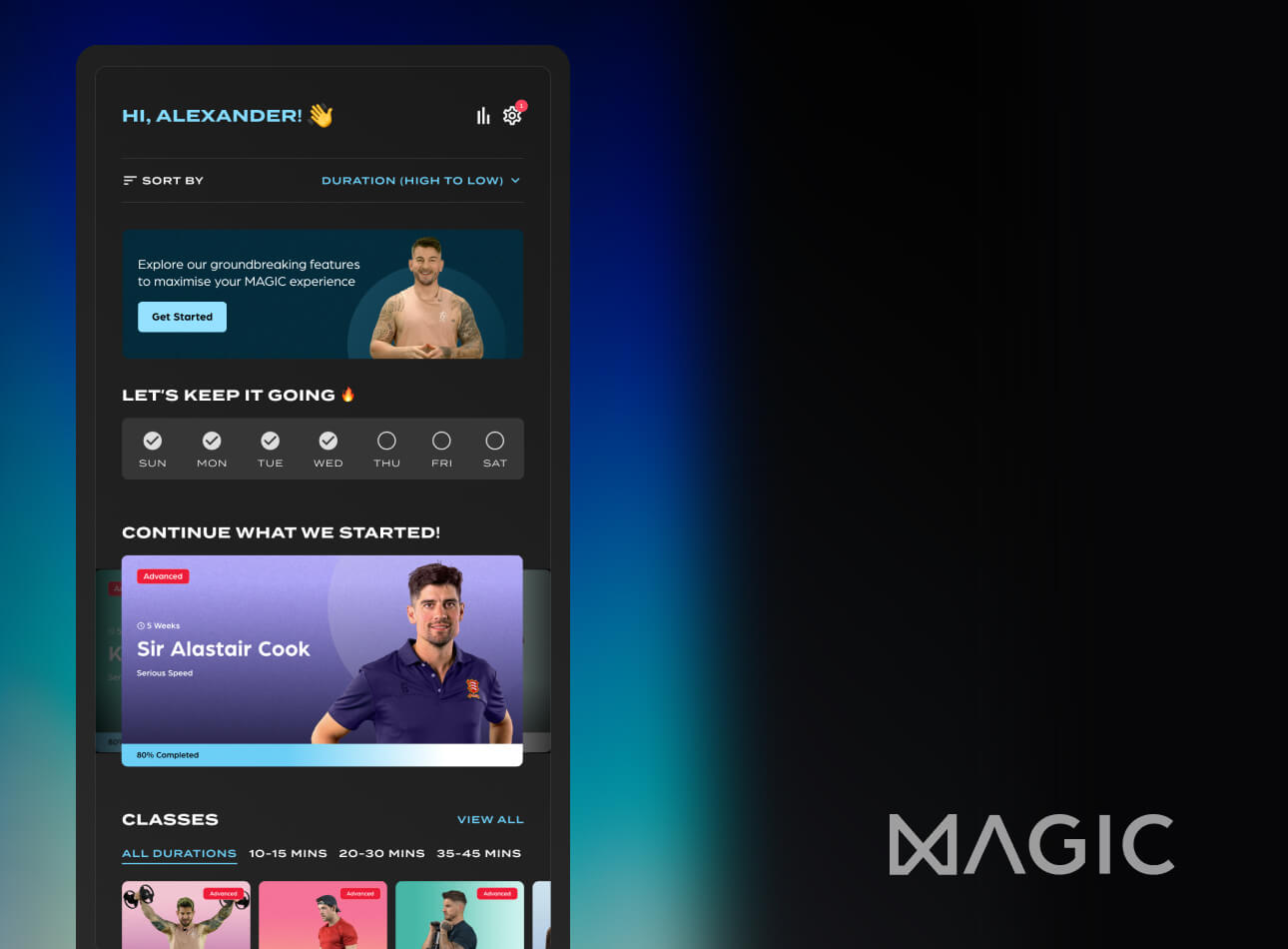
MAGIC AI (Seed Funded)
Designing the AI Personal Trainer Experience

Raft AI (Series B)
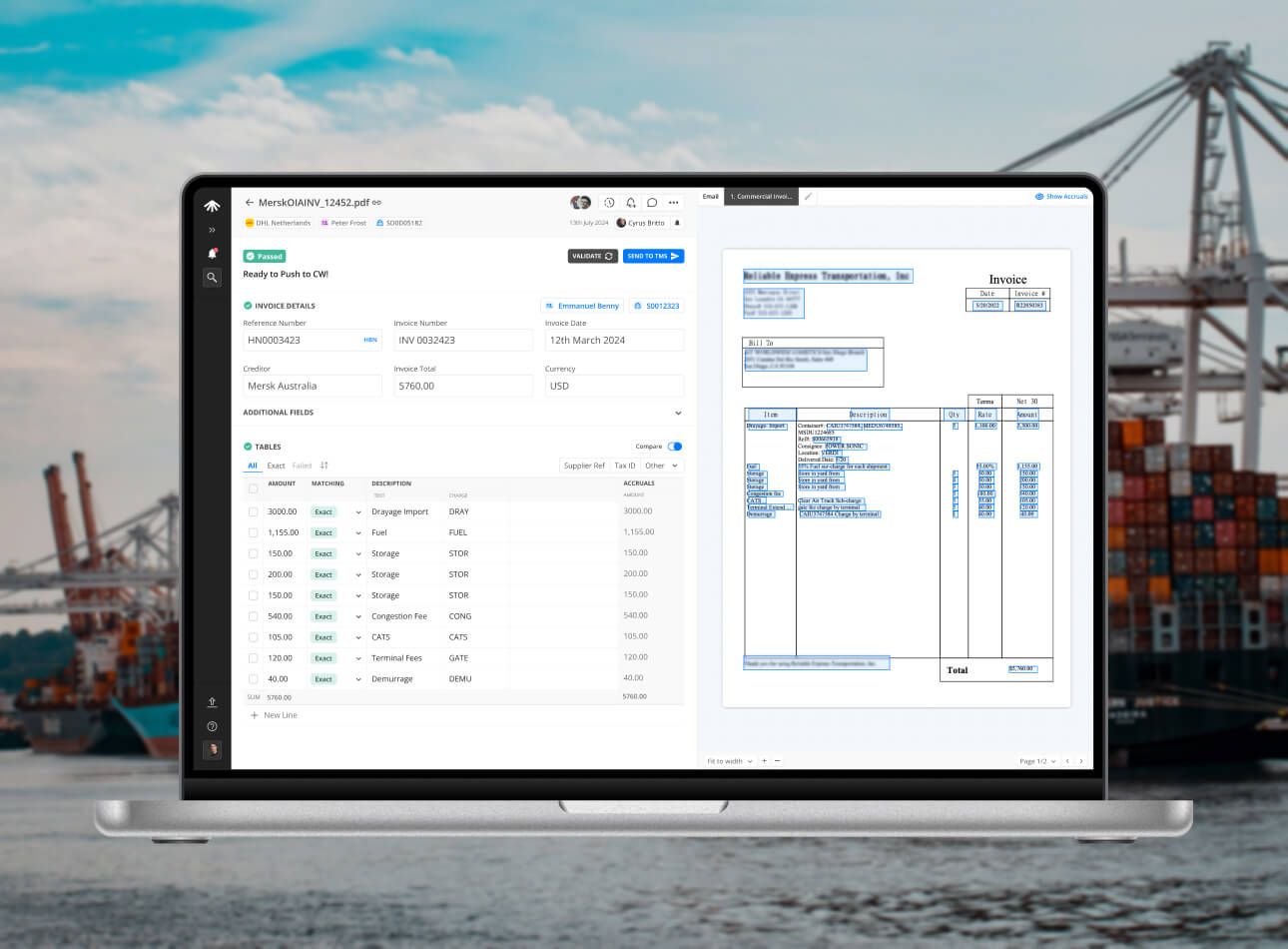
How a UX Redesign Concept Transformed Product Strategy
Raft AI (Series B)
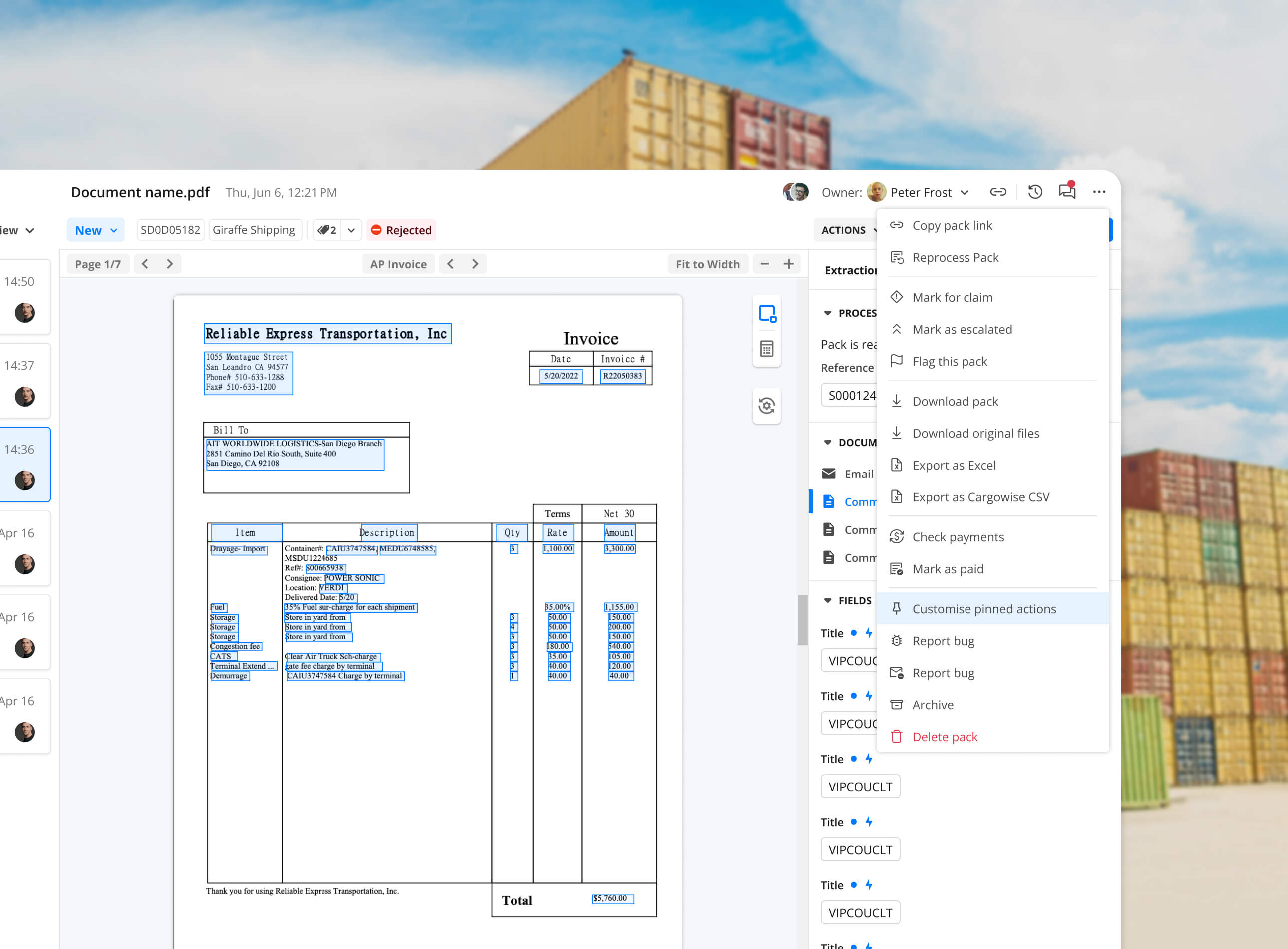
UI Components Simplified: Taming the Pack Header Chaos
Raft AI (Series B)
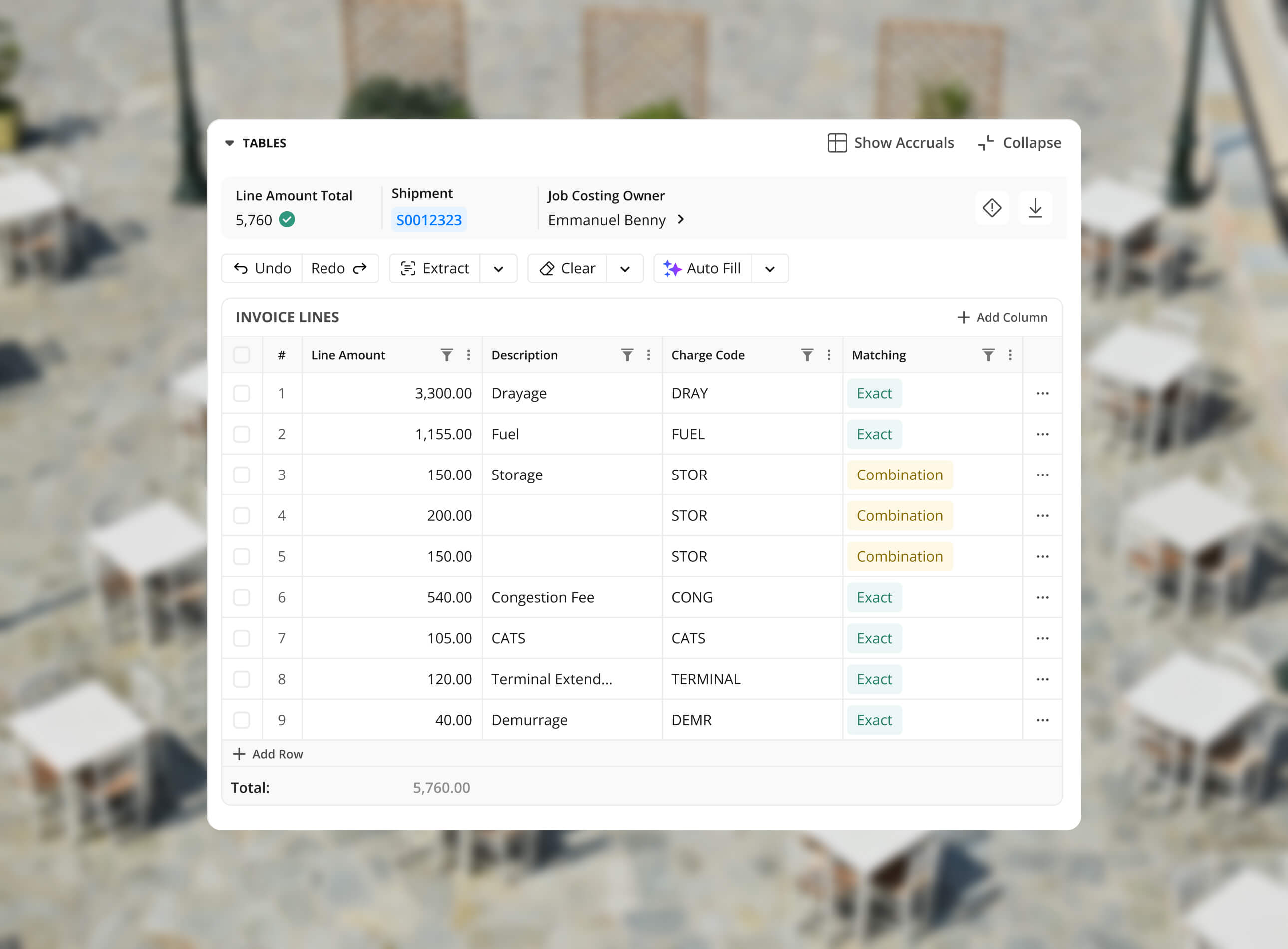
Redesigning the Extraction Table at Raft: Tackling Exception Workflows
Raft AI (Series B)
Redesigning Raft's Document Manager

Sats
Sats - Nigeria's P2P Crypto App
Read
0%